
Best MicroSD card choices for your Insta360 X5 or X4
▶️What you will find in article
Top Options for MicroSD cards
What makes it “Pro” vs budget
Requirements from Insta360
Storage capabilities for 8k video
Reasons to buy from reputable seller
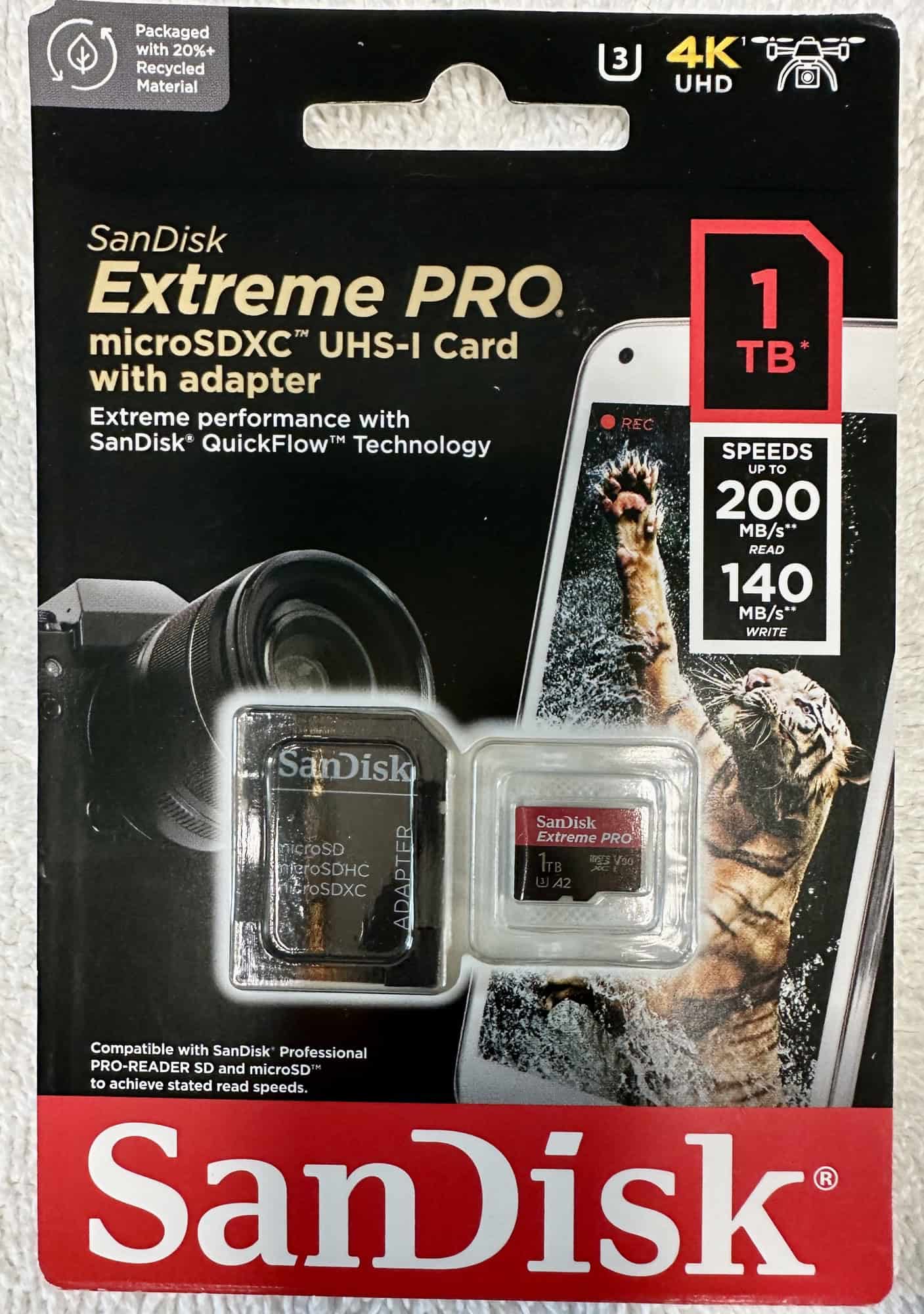

Best MicroSD for Insta360 X4 and X5 table
I’ll give you my top picks here with further explanations below.
✳️lick links for prices and more info.
| Budget medium capacity ➡️ | Sandisk Extreme 256GB |
| Budget high capacity ➡️ | Sandisk Extreme 1 TB |
| Premium medium capacity ➡️ | Sandisk Extreme Pro 256GB |
| Premium high capacity ➡️ | Sandisk Extreme Pro 1TB |
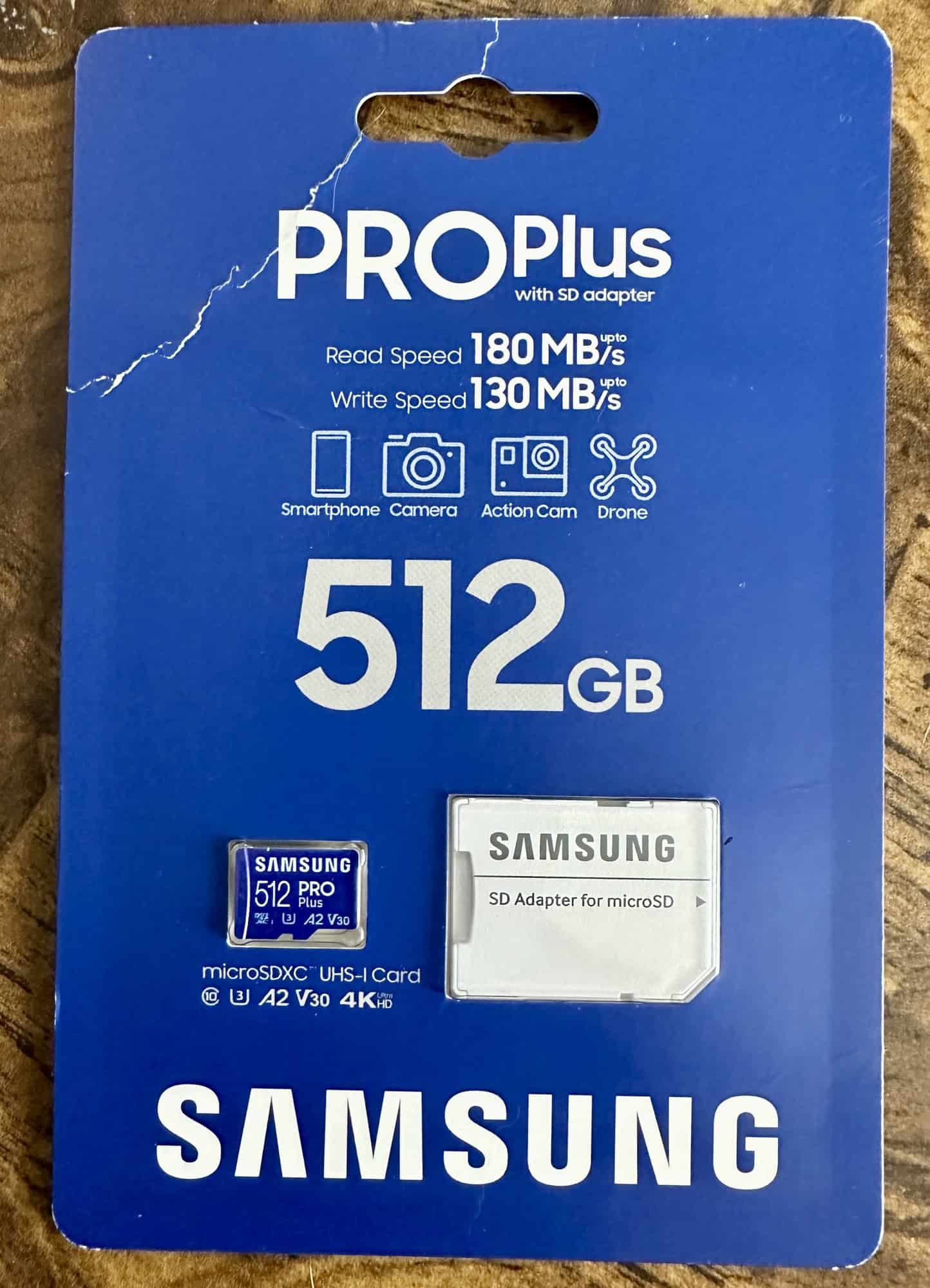
My favorite however is the Sandisk Extreme Pro 512 GB, due:
✳️ “Pro” version chips speeds faster
✳️moderately high capacity Holds about 5 hours of 8k 30fps video.
✳️don’t mind switching out card earlier so if card lost/breaks I dont lose all that footage. ( reason not to get 1TB unless need for really long shoots)
✳️Pro versions also more durable, especially important for people who use in outdoor weather or underwater or for action shots.
Samsung Pro Plus is good with similar quality to Sandisk Extreme Pro and I use this card also. ( see reasons above)
Budget Samsung card is the EVO plus which meets all specs but not quite as fast as Pro Plus.
Requirements from Insta360
Here are the 4 key features which Insta360 themselves recommend:
- UHS-I Compatibility: Micro SD cards should be of the UHS-I class.
UHS-II and UHS-III Micro SD cards are not advisable as they are incompatible and may lead to recording failures. ( not enough pins in the camera to take full advantage anyway from hardware side) - V30 or Above Speed Class: For continuous, smooth recording, the speed of the MicroSD card is crucial. The card should have a speed class of V30 or over, this prevents unexpected stops during shooting.
- exFAT Format: The Micro SD card should be formatted in the exFAT system.
Formatting can be done right on your device when your new card is inserted before doing any filming. - Maximum Storage: Although larger storage options may seem better, memory cards larger than 1TB are not recommended.
V30 minimum requirement
When recording 8K 30fpsvideo on the Insta360 X4 or X5, it’s essential to use a microSD card that provides a minimum sustained write speed of 200 Mbps (megabits per second), which is roughly equivalent to 25 MB/s (megabytes per second).
The V30 rating ensures a minimum sustained write speed of 30 MB/s, which is more than the 25 MB/s of an 8k 30 fps video.
While the V30 rating ensures a minimum sustained write speed of 30 MB/s, which is sufficient for 8K video recording on the Insta360 X4/X5, there are still advantages to using a card with a higher maximum write speed, such as the SanDisk Extreme Pro:
- Faster File Transfers: A higher read/write speed can significantly reduce the time it takes to transfer large 8K video files from the card to your computer.
- Reduced Buffering: During continuous shooting or recording, a higher write speed helps clear the camera’s buffer more quickly, allowing for longer uninterrupted recording sessions without hiccups.
- Future-Proofing: As camera technology advances and file sizes continue to grow, having a card with a higher write speed ensures that you can manage more demanding tasks in the future. ( such as Insta360 X6 maybe)
What makes SanDisk and Samsung “Pro” premium
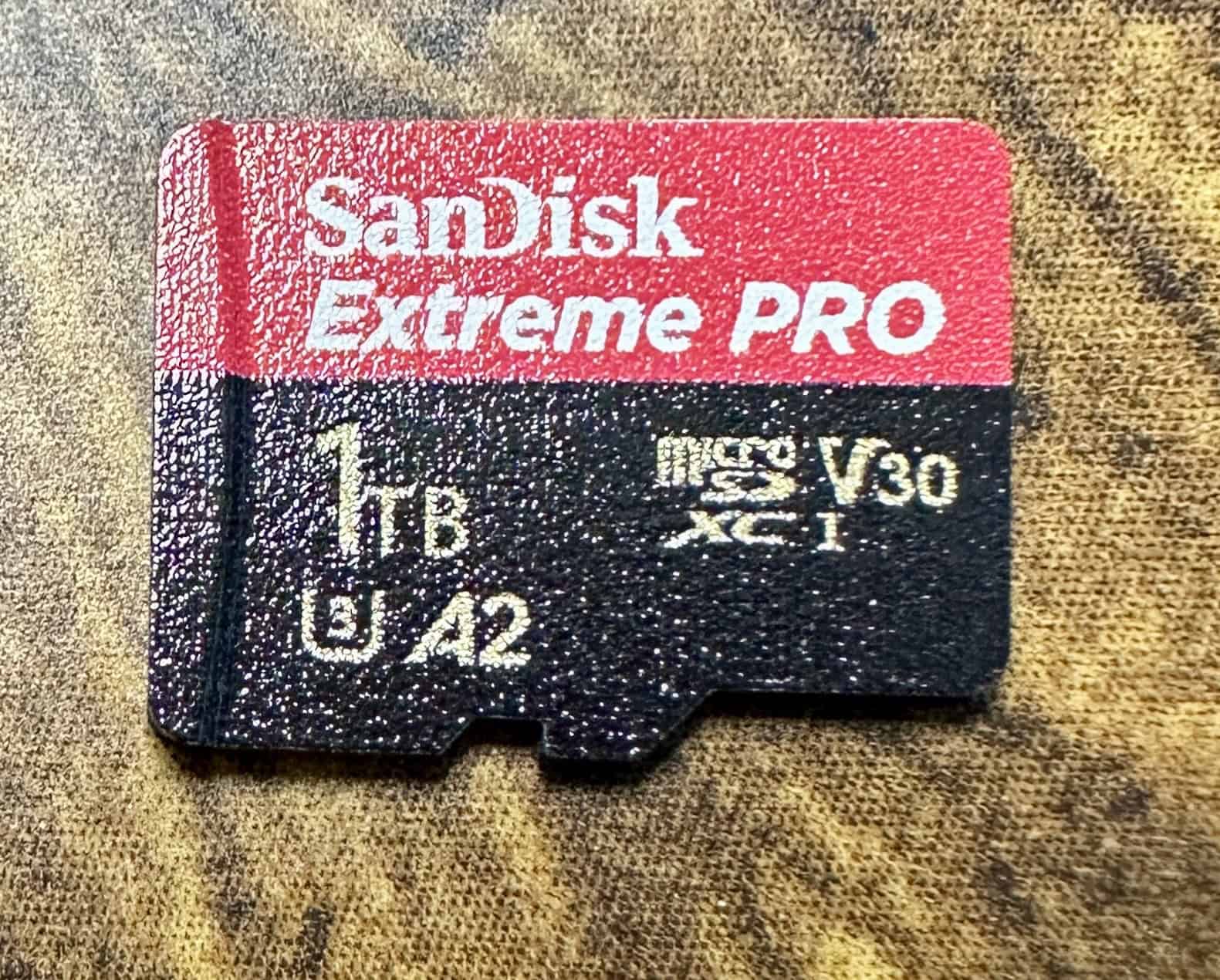
- Higher Maximum Write Speed: Offers up to 140 MB/s, surpassing the Extreme’s facilitating quicker data transfer and reducing buffer times.
- Enhanced Durability: More resistant to temperature fluctuations, water, shock, and X-rays, making it reliable for use in extreme conditions.
- Consistency and Reliability: Designed for consistent performance to minimize the risk of data corruption or loss during critical shoots. aka better build quality.
UHS-I supported only
The Insta360 X4 and X5, just like a lot of other 360 cameras out there, isn’t able to work with UHS-II MicroSD cards because of their extra pin setup. These UHS-II and UHS-III cards, which come with V60 and V90 ratings, have an additional row of pins that the Insta360 X4/X5 doesn’t have.
Because of this design difference, using a UHS-II or III card might result in bad connections and recording issues, so it’s best to stick with the UHS-I cards for a smooth experience.
Medium capacity 256MB vs High Capacity 1 TB card
Choosing between a 256GB and a 1TB SD card really comes down to what you need and how you plan to use it.
And definitely for Sandisk do not use below 256GB because the write speed is actually slower for the lower capacity cards!
256GB SD Card
- Cost-Effective: Typically, these cards are easier on your wallet compared to 1TB options, making them a solid budget-friendly pick.
- Faster File Management: With less capacity, file transfers can be quicker, which is great if you often offload data and want to keep things organized.
- Reduced Risk of Data Loss: Using several smaller cards instead of one big one can lessen your chances of losing everything if one card decides to fail.
1TB SD Card
- Larger Storage Capacity: Perfect for those long recording sessions or trips when you can’t transfer data frequently.
- Convenience: You won’t have to swap cards as often, which is a major plus during continuous shooting or recording.
- Future-Proofing: As video quality and file sizes get bigger, a 1TB card is better suited to handle those demands down the line.
Storage requirements for videos
Here are the storage requirements for the Insta360 X4 when recording at different resolutions and bitrates to help you decide on what card you want
Storage Requirements
- 8K 30fps
- High Bitrate: Approximately 1.5 GB per minute
- Standard Bitrate: Approximately 1 GB per minute
- 5.7K 60fps
- High Bitrate: Approximately 700 MB per minute
- Standard Bitrate: Approximately 500 MB per minute
Storage Requirements for 8K 30fps High Bitrate
- Data Usage: At approximately 1.5 GB per minute, a 60-minute recording will consume about 90 GB of storage.
Storage Calculation for Cards
Approximate amount of minutes stored for high bitrate.
Realistically less than this due to other data and audio and buffer needs.
| Size of Card | 80k30fps (minutes) | 5.7k60fps (minutes) |
|---|---|---|
| 256GB | 170 | 370 |
| 512GB | 340 | 740 |
| 1TB | 690 | 1490 |
Buy from Amazon or Reputable seller
If buying from Amazon, always double check to make sure its shipped and sold by Amazon or another reputable seller.
- Authenticity: Amazon has stricter controls over the products they sell directly, reducing the risk of counterfeit items compared to third-party sellers.
- Quality Assurance: Products sold by Amazon are more likely to meet the manufacturer’s quality standards, ensuring you get a card that performs as expected.
- Return Policy: Amazon’s return policy is generally more straightforward and reliable, making it easier to return or exchange a product if it doesn’t meet your expectations.
Related articles for your Insta360 X5 or X4 ⬇️
Insta360 X5 vs X4
New accessories needed for X5 that arent compatible with X4/X3
Should you get Insta360 X4 or X3?
Best selfie sticks for a 360 camera
